I will be following the instructions on this site: https://sourceware.org/glibc/wiki/Testing/Builds
The testing will be performed on a x86_64 architecture system.
Here is the code:
mkdir $HOME/src
cd $HOME/src
git clone git://sourceware.org/git/glibc.git
mkdir -p $HOME/build/glibc
cd $HOME/build/glibc
$HOME/src/glibc/configure –prefix=/usr
make
I will be using another directory for testing:
mkdir -p $HOME/testdir/src
cd $HOME/testdir/src
git clone git://sourceware.org/git/glibc.git
mkdir -p $HOME/testdir/build/glibc
cd $HOME/testdir/build/glibc
$HOME/testdir/src/glibc/configure –prefix=/usr
make
The make command took about 17 minute.
I tried to test the build with the command: make test
The make test command failed as the build was not installed.
I did not realize it until reading the instructions further.
Returning to the site: https://sourceware.org/glibc/wiki/Testing/Builds
I found the instructions:
cd $HOME/build/glibc
./testrun.sh /path/to/test/application
I changed the instructions to represent my current testing directory:
cd $HOME/testdir/build/glibc
./testrun.sh /home/dcchen/testdir/lab2/hello
The output was:
Hello World!
I copied my program and named it hello3.
I also added an improper code into the hello3 program by putting a 1 at the very beginning of the program as seen here:
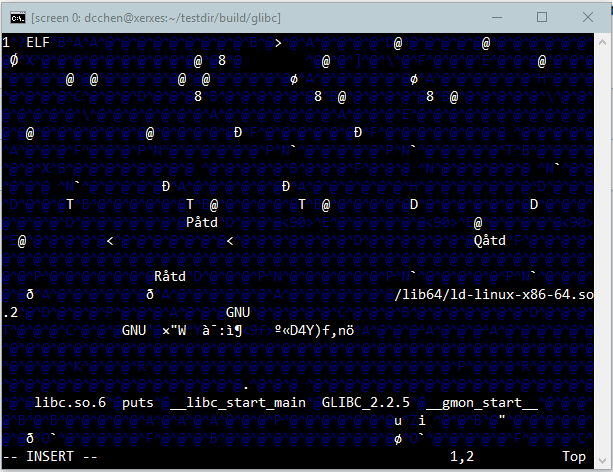
I re-ran the compiler using the command:
./testrun.sh /home/dcchen/testdir/lab2/hello3
This was the result:

I can conclude that the package works as it was running from my testing build directory.

 Danny's Blog